Evaluating drone camera stability and colour grading requires knowing exactly what to look for and where to look for it, because both qualities can be obscured by skilled post-production or presented misleadingly in a portfolio reel. This post explains the specific visual signals that indicate genuine capture stability versus post-stabilisation compensation, and the markers of professional colour grading versus clip-by-clip correction that does not hold across a project. FX Productions Canada applies broadcast-grade stability and colour standards to every aerial production.
Why Do Stability and Color Grading Matter So Much in Drone Footage?
Stability and colour grading are the two attributes of drone footage that most directly determine whether it can be used in a professional deliverable or requires expensive remediation in post-production. Unstable footage can sometimes be corrected in software, but stabilisation tools always sacrifice field of view and occasionally introduce warping artefacts that are visible in the final deliverable. Inconsistent colour between clips requires a skilled colourist to match each shot individually, which adds significant time to the post-production phase and does not always produce a seamless result.
A production company that captures stable, consistently exposed footage in a log profile gives the post-production team maximum creative range and minimum remediation work. A company that delivers shaky, auto-exposed footage in a baked look delivers a problem that the post team must solve before creative work can begin.
FX Productions Canada’s in-house colour grading team works from footage shot in a flat log profile with consistent exposure across the shoot, which means the grade starts from a controlled baseline rather than a collection of individually inconsistent clips.
How Do You Evaluate Drone Camera Stability in a Portfolio?
Camera stability in drone footage has three distinct sources: the drone’s mechanical gimbal, the pilot’s flight control, and post-production stabilisation tools. Evaluating stability in a portfolio requires identifying which source is doing the work in any given clip.
Gimbal-Sourced Stability
A three-axis gimbal on a professional drone platform isolates the camera from the aircraft’s movement on the roll, pitch, and yaw axes. Strong gimbal-sourced stability allows the aircraft to make corrective movements in wind without those corrections appearing in the camera output. When evaluating a clip, look for absolute frame rigidity during holds and hovering. If the horizon drifts, tilts, or bounces while the aircraft is stationary, the gimbal is not adequately calibrated or the platform is not capable of isolating camera movement from aircraft movement at the required standard.
Pilot Control-Sourced Stability
Pilot control contributes to stability by making smooth, single-axis inputs rather than correcting errors with counter-inputs that create micro-oscillations. A skilled pilot executing a slow orbit uses a consistent blend of two stick inputs at a matched rate, producing a move that is smooth from the first frame to the last. An unskilled pilot executing the same move uses a series of small corrections that produce a wobble pattern visible especially at the beginning and end of the move. Look for orbits in a portfolio and watch the first and last three seconds of each clip for wobble onset.
Post-Stabilisation
Post-stabilisation tools such as warp stabiliser in Adobe Premiere Pro or the stabilisation module in DaVinci Resolve can smooth moderately unstable footage but always introduce a crop to the frame. If a portfolio clip appears slightly more zoomed in than expected for the drone’s stated focal length, or if the field of view appears inconsistent across clips from the same session, post-stabilisation is likely compensating for capture instability. This is not inherently disqualifying for social or corporate content, but it disqualifies footage from broadcast delivery, where frame edge consistency and resolution integrity are governed by technical specifications. FX Productions Canada’s aerial services team reviews footage in the field on a calibrated monitor before leaving each shoot location, catching any instability at source before it requires remediation in post.
What Does Professional Colour Grading Look Like in Drone Footage?
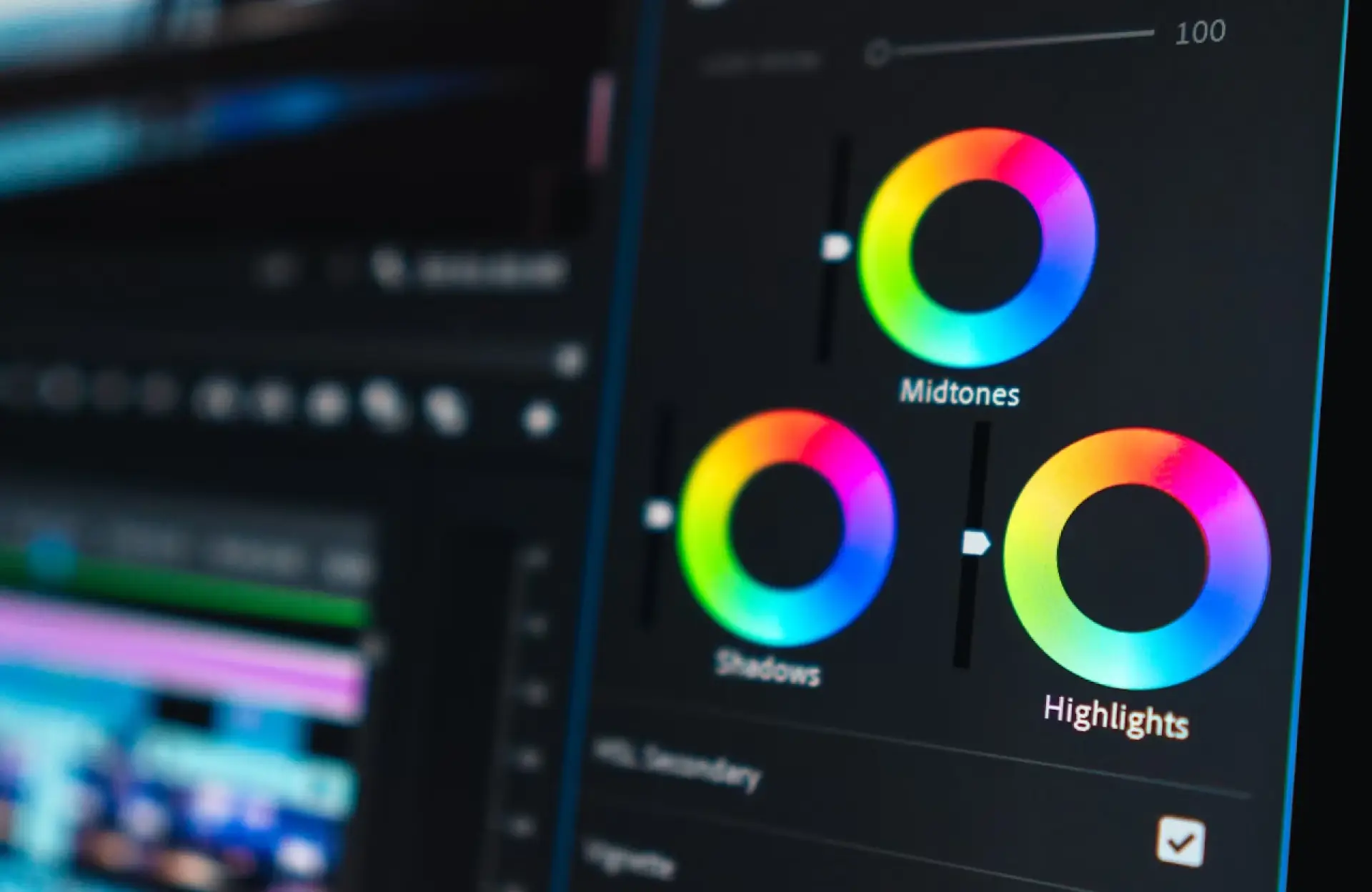
Professional colour grading applied to drone footage produces a consistent visual look across all clips from the same shoot, regardless of changes in lighting conditions, altitude, or subject matter during the day. The grade is applied from a flat log profile, which preserves the maximum dynamic range of the sensor and allows the colourist to set highlights, shadows, and midtones independently rather than working from a compressed baked image.
The hallmarks of a professional grade are: consistent colour temperature across all clips from the same shoot (no visible shift between warm and cool clips); natural highlight rolloff where bright skies and windows are luminous but not blown out; shadow detail retained in dark areas without muddiness; and skin tones that are natural and consistent across any talent appearing in the footage.
Look at how a reel handles the transition between clips shot in different conditions. A morning clip shot at golden hour against an afternoon clip shot in flat overcast should share the same colour temperature in a professionally graded reel because the colourist has matched them to the project’s defined look. Ungraded or poorly graded reels allow each clip to retain its natural colour cast, which produces a visual incoherence that the audience reads as low production quality even without being able to identify the specific technical cause. FX Productions Canada applies colour grading to all aerial footage in-house as part of every production’s post pipeline. Professional colour workflows such as those documented in the DaVinci Resolve Colorist Guide also demonstrate how log footage can be managed and transformed for consistent final delivery.
What Technical Questions Should You Ask About Drone Camera Specifications?
The drone’s camera specifications determine the ceiling of quality achievable in the footage before any post-production is applied. Understanding the key specifications allows you to evaluate whether the equipment a production company uses is capable of meeting the technical requirements of your deliverable.
|
Specification |
What It Affects |
Professional Standard |
|
Sensor size |
Dynamic range, low-light performance, depth of field control |
4/3-inch or larger for commercial work; 1-inch minimum |
|
Recording format |
Colour depth, grading flexibility, delivery compatibility |
Apple ProRes 422 or RAW; avoid H.264/H.265 compressed for broadcast |
|
Colour profile |
Post-production grading range; highlight and shadow retention |
Log (D-Log, Log-C) or RAW; avoid baked looks for professional work |
|
Frame rate options |
Slow-motion capability, 24fps cinematic standard |
24/25fps standard; 60fps or higher for slow-motion options |
|
Bit depth |
Colour precision in the grade; banding resistance in gradients |
10-bit minimum for professional colour work; 12-bit for RAW |
|
Gimbal axes |
Range of aircraft movement isolated from camera output |
Three-axis minimum; camera-tilt range to 30 degrees below horizon |
Asking a production company to specify the drone platform, sensor size, and recording format for your project before the quote is accepted ensures that the technical specification matches the delivery requirement. A company that cannot or will not specify these details before the shoot is a company whose footage may not meet the technical standard your deliverable requires. FX Productions Canada uses cinema-grade drone platforms with sensors and recording specifications appropriate to broadcast and digital commercial standards across all drone services engagements.
How Does Rolling Shutter Affect Drone Footage Quality?
Rolling shutter is a sensor artefact that appears as a horizontal smear or “jello” wobble in footage captured during fast lateral or rotational movement. It occurs because CMOS sensors read the image line by line from top to bottom rather than all at once, which means fast subject or camera movement causes the top and bottom of the frame to be captured at slightly different moments.
Rolling shutter is most visible in drone footage when the aircraft pitches quickly or when a windy condition causes the drone to rock rapidly. Footage from drones with slower sensor readout speeds, which is common in consumer and prosumer platforms, shows more pronounced rolling shutter during any dynamic movement. Cinema-grade drone platforms use faster sensor readout speeds and global shutter options to eliminate or dramatically reduce this artefact.
When evaluating a portfolio for rolling shutter, watch any clips captured during fast movement or windy conditions. Play the clip at half speed if the platform allows it. Wobbling vertical lines, bent horizon during fast movements, or smeared edges on fast-moving subjects are all rolling shutter indicators. For broadcast and commercial production contexts, rolling shutter at any visible level is unacceptable. Adobe’s Premiere Pro video effects documentation provides information on post-production effects and stabilisation tools that can help address certain footage issues. . Contact FX Productions Canada through its commercial video production services to confirm the sensor specifications and recording standards for your next aerial production.
Frequently Asked Questions
1. How can I tell if drone footage is genuinely stable or post-stabilised?
Post-stabilised footage is identifiable by a slight crop at the frame edges, a field of view that appears tighter than the drone’s stated focal length, and occasionally a slight warp at the frame borders during large corrective movements. Genuinely stable footage from a professionally calibrated gimbal maintains the full sensor field of view and holds absolute frame rigidity during hovering and holds. When reviewing a portfolio, watch the horizon during stationary holds. Any drift, bob, or drift-and-correct pattern indicates gimbal instability that post tools may be compensating for. The FX Productions Canada aerial team reviews footage quality in the field on a calibrated monitor before leaving each shoot.
2. What colour profile should professional drone footage be shot in?
Professional drone footage intended for post-production grading should be shot in a flat log colour profile, such as D-Log, Log-C, or HLG, depending on the drone platform. Log profiles preserve the maximum dynamic range of the sensor by distributing the tonal information evenly across the recording format rather than compressing highlights and shadows to a viewable image. This gives the colour grading team maximum latitude to set the final look without fighting against a baked-in tone curve. FX Productions Canada shoots all commercial aerial footage in log and grades in-house before delivery.
3. What is the minimum sensor size for commercial drone videography?
For commercial video production intended for broadcast or high-end digital platforms, a 4/3-inch sensor or larger is the professional standard. Consumer drones typically use 1/1.3-inch or 1/2-inch sensors, which have limited dynamic range and perform poorly in mixed-light and low-light conditions. A 1-inch sensor represents the practical minimum for content that will be reviewed on broadcast-grade monitors or large-format displays. FX Productions Canada uses cinema-grade drone platforms with sensors meeting professional broadcast specifications across all aerial services engagements.
4. What is rolling shutter and how does it affect drone footage?
Rolling shutter is a sensor artefact that appears as a jello-like wobble or horizontal smear in footage captured during fast camera or subject movement. It occurs because CMOS sensors read image data line by line rather than simultaneously, which means fast movement causes slight positional differences between the top and bottom of the frame. It is most visible in drone footage during windy conditions or fast pitch and roll movements. Cinema-grade drone platforms reduce rolling shutter through faster sensor readout speeds. For broadcast commercial production, rolling shutter at any visible level is unacceptable. Confirm the sensor readout speed with any production company before the shoot. Visit the FX Productions Canada drone services for platform specifications.
5. How does in-house colour grading differ from outsourced grading for drone footage?
In-house colour grading by the same team that shot the footage produces a more consistent final result because the colourist understands the lighting conditions across the shoot day and can make grade decisions that reflect both the technical capture context and the creative brief. Outsourced grading requires the colourist to interpret footage from a context they did not observe, which often results in clip-by-clip correction rather than a unified grade. FX Productions Canada’s colour grading team works in-house on all aerial productions, applying a consistent grade across aerial and ground footage from the same creative brief.
Ensure Your Drone Footage Meets Professional Standards
Stable footage and consistent colour grading are essential for producing polished aerial content without costly post-production corrections. Review the aerial production services and Schedule a consultation to discuss the camera, stabilisation, and colour standards your project requires.
Key Takeaways
- Drone camera stability comes from three sources: the mechanical gimbal, the pilot’s flight control, and post-production tools. Only the first two produce broadcast-grade stability without frame crop or artefacts.
- Post-stabilised footage is identifiable by a slight frame crop, a tighter-than-expected field of view, and occasional warp artefacts at frame edges during large corrective movements.
- Professional drone footage should be captured in a flat log colour profile (D-Log, Log-C, or HLG) to preserve maximum dynamic range for post-production grading.
- The minimum sensor size for broadcast-grade commercial drone footage is a 4/3-inch sensor. Consumer drone sensors (1/1.3-inch or smaller) are insufficient for broadcast and high-end digital platforms.
- Rolling shutter is a sensor artefact that produces jello-like wobble during fast movements. It is unacceptable in broadcast commercial production contexts and should be evaluated by watching fast-movement clips in any portfolio at reduced speed.
- In-house colour grading by the team that captured the footage consistently produces a more unified final result than outsourced grading, because the colourist understands the lighting context and can grade to a single look across the full shoot day.